


One of the questions I hear all the time is:
“How often should I use AO Scan?”
And my answer is usually another question:
Which part of AO Scan are you talking about?
Because that matters.
AO Scan isn’t one single scan that you run from beginning to end every day.
It is an entire educational frequency technology platform with different scans, tools, optimizations and ways to interact with the information.
Some features can be used daily. Some may be used more than once a day as needed. Others are generally used less frequently so you have time to look at the information, compare what you are seeing and begin recognizing your own patterns.
And that brings me to one of the most important things I teach people about AO Scan usage:
Just because you can scan everything doesn’t mean you should.
I know.
You get AO Scan.
You open it up.
You see all those options.
And suddenly you want to push every button.
I completely understand the temptation.
But especially when you are new, I would rather see you learn a few parts of AO Scan really well than create an enormous amount of information that you don’t yet know how to interpret.
The information itself matters.
What repeats?
What changes?
What seems to show up again and again?
What happens when you come back a few days later?
Those observations are part of the experience.
More scans do not automatically equal more useful information.
Sometimes more scans just equal… more scans.
And if you are constantly moving from one thing to another, you may miss the patterns that were right in front of you.
How Often Can You Use AO Scan?
There isn’t one single answer because the suggested frequency varies depending on which feature you are using.
That means when somebody asks:
“Can I use AO Scan every day?”
the real answer is:
Yes, certain parts of AO Scan can fit naturally into daily use—but that doesn’t mean you need to run every available scan every single day.
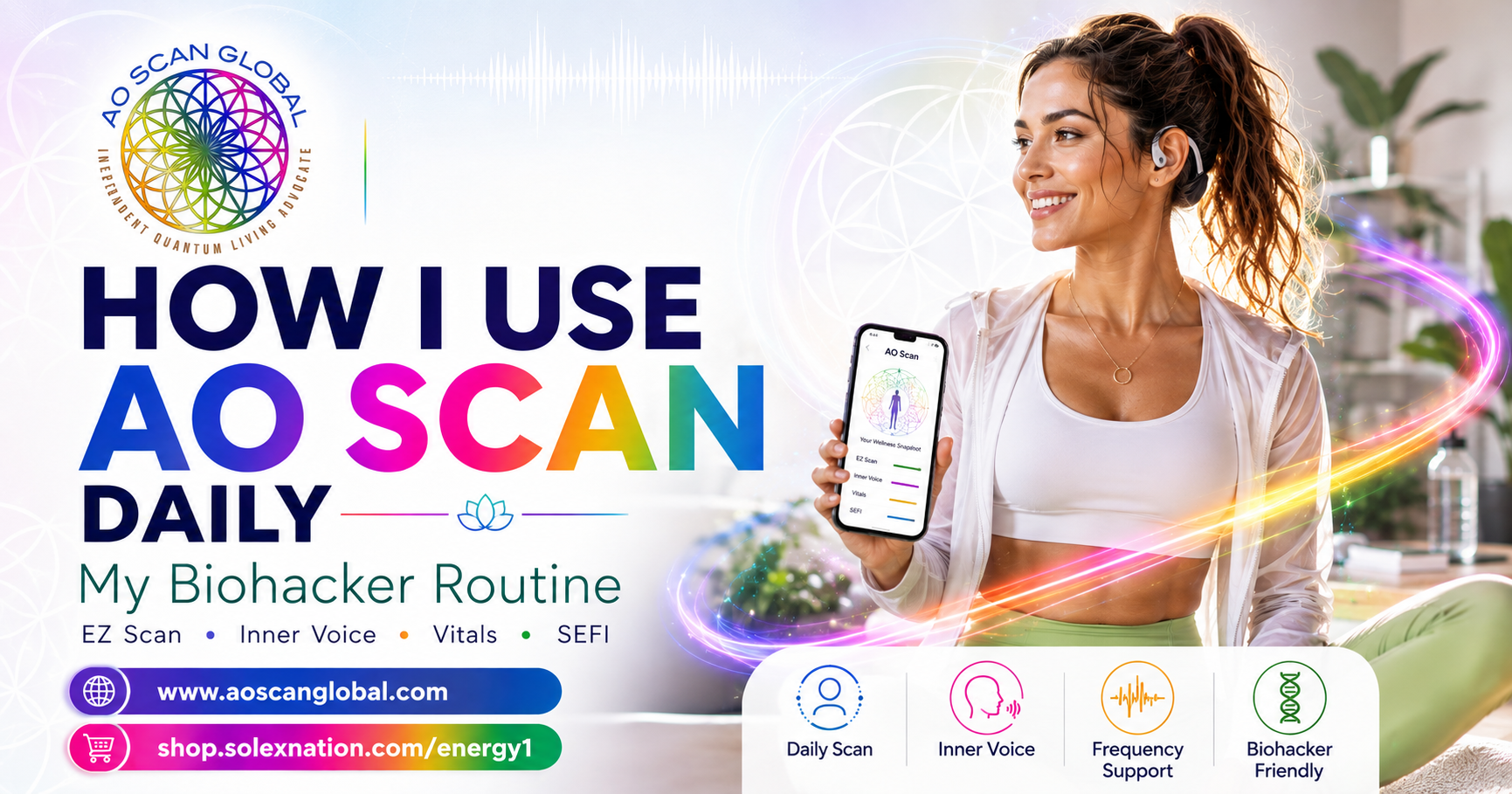
For example, some of the tools I personally use frequently include EZ Scan, Inner Voice and SEFI.
Other scans, such as Vitals or Comprehensive, may make more sense at different intervals depending on what you are trying to observe.
The bigger point is that AO Scan is not supposed to become a race.
You don’t win a prize for finishing every scan before breakfast.
Although, knowing some of my fellow biohackers, I probably should not give anyone ideas.
The purpose is to use the information intentionally.
My Personal AO Scan Morning Routine
I use AO Scan almost every day.
But I want to make an important distinction here:
I use AO Scan daily. I do not necessarily run every AO Scan daily.
Those are two very different things.
My morning usually starts fairly simply.
A lot of days, I begin with an EZ Scan.
That works beautifully for me because it gives me several pieces of information without turning my entire morning into a scanning session.
I can look at what is showing up, pay attention to anything that stands out and decide whether there is something I want to explore further.
I am not looking for reasons to panic.
I am not chasing every number.
And I am certainly not treating one scan as some kind of final verdict about my body.
I am looking at information and patterns.
That distinction is important.
AO Scan is an educational wellness technology. It is not a medical diagnosis, and it should not replace appropriate medical evaluation or treatment.
For me, it is another source of information in a much larger biohacking toolbox.
And if you have followed me for very long, you already know that my toolbox is not exactly small.
Inner Voice Is One of My Favorites
One of the features I use most frequently is Inner Voice.
I genuinely love how easily it fits into everyday life.
I will often run Inner Voice in the morning before I take the dog for a walk.
Then I put on my bone-conduction headset and listen to my personalized Inner Voice frequency playlist while I am outside.
That means I am not sitting at a desk staring at a screen.
I am moving.
I am getting sunlight.
I am walking the dog.
I am listening.
And I am paying attention to how I feel.
That is more my style.
Wellness has to fit into real life or eventually most people stop doing it.
And Then Come the Color Glasses
Of course, I’m a biohacker.
So apparently simply walking the dog while listening to a personalized frequency playlist wasn’t enough.
I also like taking my color therapy glasses with me.
I generally take three of the four lenses and rotate through them during my walk, usually wearing each color for around ten minutes.
And again, this is not because everybody has to recreate my exact routine.
You don’t.
The point is to show you how these tools can become part of something you are already doing.
I’m already going outside.
I’m already walking.
So for me, adding Inner Voice and color is easy.
It doesn’t feel like another task on my to-do list.
It becomes part of the routine.
What Do I Do After I Scan?
This is where I think people sometimes miss one of the best parts of AO Scan.
Running the scan is not necessarily the end of the process.
For me, it is often the beginning.
After I look through my information, I may choose approximately five or six frequencies that particularly stand out to me.
I don’t feel compelled to select everything.
Again:
More is not automatically better.
I want something focused enough that I can actually work with it.
Depending on the day, I may take those selected frequencies and use them in several different ways.
I May Imprint Them
Sometimes I will imprint selected frequencies onto something simple.
That may be sugar pellets.
It might be something I am drinking, such as my tea.
The point is that AO Scan gives me different ways to interact with the frequency information rather than simply looking at a screen and closing the program.
I May Create a Playlist
I may also create a frequency playlist.
This is another place where my bone-conduction headset comes in.
I especially enjoy listening while I am meditating because it lets me combine practices instead of creating another completely separate wellness ritual.
That is a theme you will probably notice throughout my routine:
I stack things.
Walking plus Inner Voice.
Walking plus color.
Meditation plus frequencies.
I am much more likely to consistently use something if I can integrate it into what I already do.
Sometimes I Use SEFI
Depending on what I am working with, I may also use SEFI.
SEFI gives us additional ways to work with selected frequencies through functions such as playlists, imprinting and broadcasting.
I may use my AO SEFI Star, or in certain situations I may use my phone.
But here again, the same rule applies:
I don’t use every possible function simply because it is available.
I ask myself what makes sense today.
What stood out?
What do I actually want to work with?
What information am I trying to observe?
That keeps my routine useful instead of overwhelming.
If You Are New to AO Scan, Start Slow
This may be one of the most important sections of this entire article.
If you just got AO Scan and you are thinking:
“Okay, Paige, which scans should I run first—and how many can I do today?”
my answer is probably going to be:
Fewer than you think.
Start with the training.
Learn what the individual scans are designed to do.
Read the interactive information.
Learn your way around the program.
And then begin using it.
You do not need to master the entire platform in your first weekend.
You also do not need to turn yourself into a full-time science experiment by Tuesday.
There is value in leaving a little space between some of your observations.
If you run a particular scan and something catches your attention, write it down.
Then look again later.
Did it repeat?
Did it move?
Did something else become more noticeable?
Those are the kinds of questions that begin turning information into something meaningful.
The Information Is Part of the Value
When people first discover frequency technology, it can be easy to focus almost entirely on the frequencies.
What frequency should I play?
What should I imprint?
What should I broadcast?
Those are reasonable questions.
But I don’t want you to overlook the other side of AO Scan:
the information.
Your reports can give you another way to look at patterns.
And patterns become more useful when you have context.
One isolated piece of information may be interesting.
Seeing something repeat across time?
Now I am paying attention.
That is one reason I encourage people not to bury themselves under scan after scan after scan.
If everything is screaming for your attention, eventually nothing gets your attention.
Instead, give yourself the opportunity to notice.
Observe.
Learn.
And then decide what you want to do with that information.
So, How Often Does Solex Suggest Using Each AO Scan Feature?
Now let’s get specific.
Solex provides a suggested usage guide for the different AO Scan technologies. And I want to emphasize the word suggested.
This is not presented as a rigid schedule that every person has to follow.
It is a general guide.
Your individual routine can vary depending on what you are using, what you are observing and how you prefer to work with the technology.
Here is the general breakdown.
Quick Scan
The Morning, Midday, Evening, Custom and Pet Quick Scans are listed for daily use.
The Energetic Aura features and 3 Minute Boosts may be used multiple times throughout the day as needed.
That makes sense to me because Quick Scan is designed to be exactly what its name implies:
quick.
It can be an easy way to incorporate AO Scan into the flow of a normal day without turning every check-in into a deep dive.
EZ Scan
EZ Scan is listed for daily use.
This is one reason I personally gravitate toward it so often.
It gives me a streamlined way to work with Inner Voice, Vitals, Comprehensive information and optimizations without having to separately run every full scan.
And this is an important distinction:
The fact that EZ Scan can be used daily does not mean the full standalone versions of every scan contained within it are also suggested every day.
AO Scan treats EZ Scan as its own streamlined feature.
That is another reason understanding the individual tools matters.
Inner Voice
The standalone Inner Voice Scan may be used multiple times throughout the day as needed.
That flexibility is one of the things I love about it.
You can run it in the morning, listen to your personalized tones and return to it later if it fits what you are doing.
There is one distinction worth knowing:
The Inner-Voice option inside the full Comprehensive Intelligent Scan follows the Comprehensive usage guidance rather than the standalone Inner Voice guidance.
That full Comprehensive version is generally suggested one to two times per week as needed.
Same words.
Different location in the program.
Different suggested usage.
Knowing those little distinctions can save a lot of confusion when you are first learning AO Scan.
Vitals
The standalone Vitals Scan is generally suggested one to two times per week as needed.
Pet Vitals may be used daily as needed.
Vitals is one of those areas where I especially like having some space to observe trends instead of feeling like I need to produce a new report constantly.
Again, I am interested in patterns.
One report gives me information.
Several appropriately spaced reports may begin to give me context.
Body Systems
The Body Systems Scan is listed for daily use.
That does not mean you have to run it every day.
It simply means daily use falls within the general suggested usage.
This distinction is worth repeating throughout this article:
“Can” and “must” are not the same word.
AO Scan gives you options.
You still get to decide which options are useful to you.
Comprehensive Scan
The full Comprehensive Scan is generally suggested one to two times per week as needed.
That includes its Intelligent Scan options such as Inner-Voice, Vitals, Combined and Custom.
This is one area where I would especially encourage a new user not to get caught up in running it constantly.
Give yourself time to look at what you received.
You have a tremendous amount of information available in Comprehensive.
Use it.
Don’t just collect it.
SEFI
SEFI is a little different because you are not simply talking about running another report.
Features such as:
- Erase
- Imprint
- Broadcasting
- Custom Playlists
may be used multiple times throughout the day as needed.
That gives you tremendous flexibility in how you work with the frequencies you have selected.
And for somebody like me who likes to stack wellness practices together, that flexibility is fantastic.
I may scan once and then interact with those selected frequencies in different ways throughout the rest of the day.
That is very different from believing that I need to continually rescan myself.
My Simple Rule: Scan Less, Use More
If I had to turn my entire philosophy into four words, it might be:
Scan less. Use more.
Not because scanning is bad.
It isn’t.
But because once you have information, there is something to be said for actually doing something with it.
Listen to the playlist.
Use your Inner Voice tones.
Imprint the frequencies you selected.
Broadcast if that is part of your routine.
Journal what stood out.
Change an obvious lifestyle input.
Hydrate.
Go outside.
Meditate.
Move your body.
Get some sleep.
Then come back and observe again.
I think this is where frequency technology gets much more interesting.
It becomes less about collecting reports and more about creating awareness.
A Simple AO Scan Routine for Beginners
If I were helping someone who had just received AO Scan and was feeling completely overwhelmed by all of the buttons, I would not hand them a 27-step protocol.
I would simplify it.
Your first goal is not to become an AO Scan expert overnight.
Your first goal is to become comfortable using it.
Start With One Daily Check-In
Choose something simple.
That might be:
- EZ Scan
- Quick Scan
- Inner Voice
Learn how it works.
Look at the report.
Use the interactive information.
Ask questions.
Notice what catches your attention.
Then do it again another day.
Add Vitals or Comprehensive More Slowly
Once you are comfortable with the basics, begin exploring the deeper scans.
You might use Vitals or Comprehensive once during the week and then return to the information later.
Don’t look at a single number and make a dramatic conclusion.
Look at the entire picture.
And remember that AO Scan is an educational wellness technology—not a diagnostic test.
Learn One SEFI Skill at a Time
SEFI can feel like opening an entirely new playground.
Imprinting.
Broadcasting.
Playlists.
Custom frequencies.
Affirmations.
There is a lot there.
You do not have to master all of it on day one.
Maybe begin by learning how to create a simple custom playlist.
Then learn imprinting.
Then explore broadcasting.
Layer your knowledge.
That approach tends to create confidence instead of overwhelm.
What If Something Keeps Showing Up?
This is where I become curious.
If I see something once, I notice it.
If I see something repeatedly, I pay closer attention.
That still does not mean AO Scan has diagnosed anything.
It means I have a pattern I may want to explore.
I might ask myself:
What has changed in my routine?
How am I sleeping?
How is my hydration?
How much stress am I under?
Have I changed supplements?
Have I changed my diet?
Have I been traveling?
Am I moving enough?
Is there something in my environment that changed?
And if I have an actual symptom or health concern, that is where an appropriate licensed healthcare professional belongs in the conversation.
AO Scan can give me another lens.
It does not replace medical care.
That boundary actually makes the technology more useful because I am using it for what it is designed to be:
an educational tool for observing information and patterns.
There Is No Trophy for the Most Scans
I am repeating this because somebody needs to hear it.
Maybe several somebodies.
There is no AO Scan trophy arriving at your front door because you completed every module before noon.
You do not get bonus points for having 47 reports open.
The sophistication is not in how many buttons you push.
The sophistication comes from learning which tool to use, when to use it and what to do with the information afterward.
That takes a little time.
And that is okay.
Frequently Asked Questions About AO Scan Usage
Can I Use AO Scan Every Day?
Yes. Several AO Scan features are designed for daily use.
For example, Solex’s suggested usage guide lists EZ Scan and Body Systems for daily use, along with several Quick Scan options.
That does not mean every AO Scan should be performed every day.
Solex specifically advises that users do not need to perform all of the scans daily.
How Often Should I Use EZ Scan?
EZ Scan is listed for daily use.
Because EZ Scan combines multiple parts of AO Scan into a streamlined experience, it is one of the easiest ways to build a regular AO Scan routine.
I personally like using it in the morning.
How Often Can I Use Inner Voice?
Standalone Inner Voice may be used multiple times throughout the day as needed.
Many people use their personalized Inner Voice audio as part of meditation, mindfulness or another daily routine.
The Inner-Voice option located inside the full Comprehensive Scan is different and follows the Comprehensive Scan’s suggested frequency of one to two times per week as needed.
How Often Should I Run Vitals?
Vitals is generally suggested one to two times per week as needed.
Rather than obsessing over a single report, I prefer looking at patterns across time.
How Often Should I Run Comprehensive?
The full Comprehensive Scan is generally suggested one to two times per week as needed.
Comprehensive produces a great deal of information.
Give yourself time to review it before immediately generating another report.
Can I Run Body Systems Every Day?
Yes. Body Systems is listed for daily use.
As with every AO Scan feature, this is a general usage suggestion rather than a requirement.
How Often Can I Use SEFI?
SEFI features such as Erase, Imprint, Broadcasting and Custom Playlists may be used multiple times a day as needed.
This is one reason I often scan once and then continue working with selected frequencies throughout my day rather than continually generating new scans.
Is More AO Scan Always Better?
No. More information is not automatically more useful information.
If you are moving so quickly that you are not observing patterns or understanding your reports, additional scanning may simply give you more data to sort through.
Use the technology intentionally.
What Is the Best AO Scan Routine for a Beginner?
Start simple.
Learn one or two features first.
EZ Scan, Quick Scan and Inner Voice are natural places to begin.
Then gradually learn Vitals, Body Systems, Comprehensive and SEFI.
There is no reason to master the entire platform in one weekend.
The Best AO Scan Routine Is the One You Will Actually Use
This is ultimately where I land.
I can show you my routine.
Solex can give you suggested usage.
Another practitioner can show you theirs.
All of that is helpful.
But eventually you need to develop a rhythm that makes sense in your actual life.
Maybe you love starting every morning with EZ Scan.
Maybe Inner Voice becomes part of your walk like it has for me.
Maybe you use Quick Scan at different points in your day.
Maybe you prefer a deeper Comprehensive check-in once or twice a week.
Maybe SEFI becomes the feature you use most.
There isn’t one perfect routine.
There is a technology filled with different tools.
Learn the tools.
Learn your patterns.
And then build the routine around the information that is actually useful to you.
That is what I mean when I talk about intentional AO Scan usage.
Want to See How AO Scan Works?
If you are curious about AO Scan but don’t have the technology yet, you do not have to figure it all out from a website or a video.
Request a free AO Scan demo and experience the technology for yourself.
If you already know you are ready to get started, you can also learn more about the AO Scan Premium Subscription, enrollment options and the tools available inside the platform.
And if you join AO Scan Global through my team, you are not simply handed a login and wished good luck.
Education matters to me.
I want you to understand what you purchased, learn how to use it and discover how to make the technology fit your home, your wellness practice or your clinic.
Because having powerful technology is one thing.
Knowing what to do with it is everything.
Be Well & Do Good Things,
Paige Maurer Wheeler
AO Scan Global Team Leader
Independent Quantum Living Advocate
AO Scan Global | Leading the Frequency Wellness Movement
Educational Disclaimer: AO Scan is an educational wellness technology and is not a medical device. It is not intended to diagnose, treat, cure or prevent disease. Information discussed here is educational and should not replace advice, diagnosis or treatment from an appropriately licensed healthcare professional.